Free VPN for Firefox
Browse privately with a free VPN for Firefox. Protect your Firefox browsing, hide your IP address, and connect through a secure VPN connection without installing a separate VPN client for every website you visit.
Free to use · Easy to install · Firefox browser support
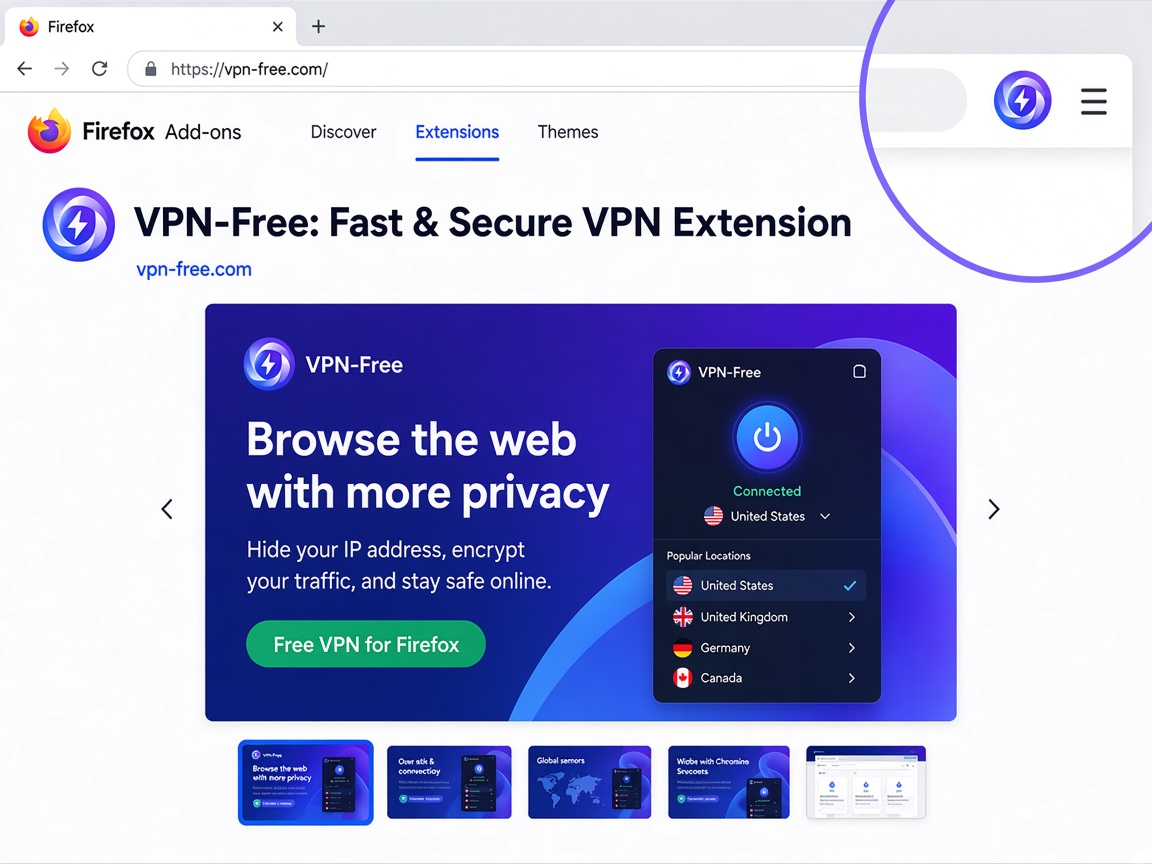
How to Install a VPN Extension on Firefox
Installing a VPN extension is straightforward.
Open Firefox
Launch the latest version of Mozilla Firefox on your computer.
Open the Firefox Add-ons Page
Go to the Firefox Add-ons marketplace and search for the VPN extension you want to use.
Add the Extension
Select the extension and choose Add to Firefox.
Review Permissions
Firefox may display the permissions requested by the extension. Review them before confirming the installation.
Open the VPN
After installation, open the extension from the Firefox toolbar and follow the connection instructions.
Firefox provides permission information for extensions so users can understand what an add-on can access or modify.
How to Use a VPN on Firefox
Once the extension is installed, using it usually takes only a few steps.
- Open Firefox.
- Select the extensions icon in the toolbar.
- Open your VPN extension.
- Choose a VPN location if available.
- Click the connect button.
- Open the websites you want to browse.
- Disconnect when VPN protection is no longer needed.
Keep the extension updated and periodically review its permissions.
A Free VPN Extension for Firefox
Firefox is widely used by people who want more control over their browsing privacy. A VPN extension adds another layer between your browser and the websites you visit by routing supported browser traffic through a VPN or proxy connection.
With a VPN for Firefox, you can:
- Hide your public IP address
- Protect supported Firefox browsing traffic
- Use a different virtual location
- Browse on public or shared networks with an additional layer of protection
- Turn VPN protection on or off when needed
- Keep VPN controls directly inside your browser
A browser VPN is designed specifically for Firefox traffic. It is different from a device-wide VPN, which protects traffic from other applications as well.
Why Use a VPN on Firefox?
A VPN can be useful when you want more privacy while browsing websites, using online services, or connecting to public Wi-Fi.
Hide Your IP Address
Your IP address can reveal information about your network and approximate location. A VPN connection replaces your visible IP address with an address associated with the VPN server.
Protect Your Browser Traffic
A VPN can encrypt supported traffic between your Firefox browser and the VPN service, helping reduce exposure when browsing through networks you do not fully trust.
Choose a Different Location
Depending on the VPN service, you may be able to connect through servers in different locations. This can make websites see the VPN server's location instead of your normal network location.
Keep Controls in Firefox
A Firefox VPN extension puts the connection controls directly in the browser toolbar, so you do not have to leave Firefox every time you want to check your VPN status.
Firefox VPN Extension Features
One-Click Connection
Connect or disconnect from the VPN directly from your Firefox extension menu.
Browser-Level Protection
Use the VPN for your Firefox browsing without necessarily changing the network connection of other applications on your computer.
IP Address Protection
A VPN connection can replace your normal public IP address with the IP address of the VPN server.
Multiple Server Locations
Choose from available VPN locations when the service provides multiple server options.
Simple Browser Controls
Check your connection status and manage VPN settings directly from the Firefox toolbar.
Private Browsing Support
Firefox allows users to control whether individual extensions can run in private windows. Check the extension's permissions and Firefox settings before enabling it for private browsing.
VPN Extension vs VPN App
A Firefox VPN extension and a full VPN application are not necessarily the same thing.
| Feature | Firefox VPN Extension | VPN App |
|---|---|---|
| Firefox browsing | Yes | Yes |
| Other desktop apps | Usually no | Yes |
| Browser toolbar controls | Yes | Not usually |
| Device-wide protection | No | Yes |
| Easy browser switching | Yes | Yes |
| Website-specific controls | May be available | Depends on provider |
| Installation | Firefox add-on | Desktop/mobile application |
If you only want to protect browser activity, an extension can be convenient. If you want VPN protection for multiple applications on your computer, a full VPN client may be more appropriate.
Is a Firefox VPN Safe to Use?
The safety of a VPN extension depends on the provider, its software, permissions, privacy practices, and how the extension handles user data.
Before installing an extension, check:
- Who publishes the extension
- What permissions it requests
- Whether it comes from a trusted source
- Its privacy policy
- Whether the extension is regularly maintained
- Whether Firefox recognizes or verifies the add-on
Mozilla specifically recommends reviewing extension permissions and considering the risks of installing extensions hosted outside trusted sources.
Avoid installing random VPN extensions from unknown websites simply because they advertise themselves as free.
Firefox VPN for Public Wi-Fi
Public Wi-Fi networks in airports, hotels, cafés, libraries, and other shared locations can expose users to network-level risks.
Using a VPN adds an encrypted connection between your browser and the VPN service, which can provide additional protection when using networks you do not control.
However, you should still use HTTPS websites, keep Firefox updated, and avoid installing unfamiliar extensions.
What a Firefox VPN Does Not Do
A VPN is a privacy tool, not a complete security solution.
A VPN does not automatically:
- Remove cookies
- Stop every form of online tracking
- Protect you from phishing websites
- Make malicious downloads safe
- Replace antivirus software
- Protect applications outside the browser when using an extension
- Guarantee complete anonymity
For better protection, combine a VPN with updated software, strong passwords, HTTPS, privacy-conscious browser settings, and careful extension selection.
Firefox VPN FAQ
Yes. Firefox supports browser extensions that can add VPN or proxy functionality. Install extensions from a trusted source and review their requested permissions before enabling them.